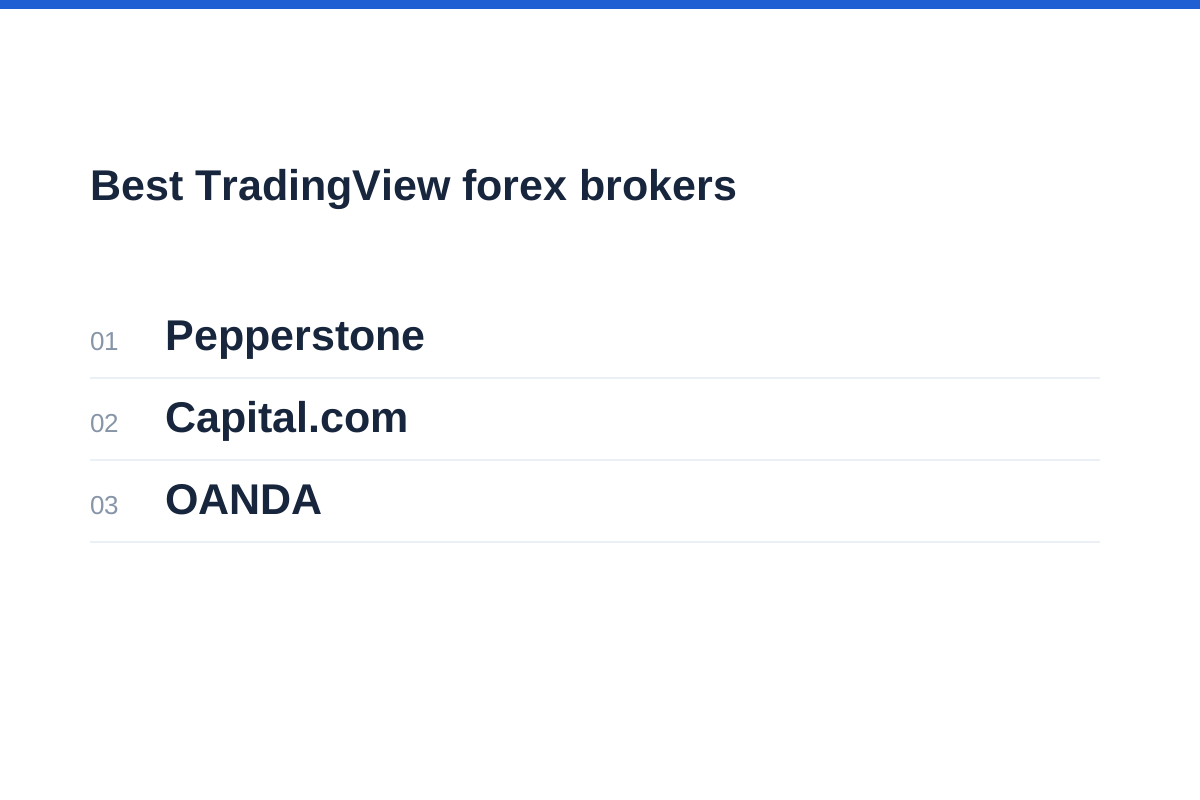
In briefThe best TradingView forex brokers for a particular trader must support the intended account and executable markets—not merely provide charts. Pepperstone, Capital.com and OANDA offer three TradingView connections worth comparing, but no single broker is best for every account. Pepperstone lists TradingView for Razor accounts, Capital.com documents direct chart trading and executable-price checks, and OANDA supports eligible regional live accounts with important demo restrictions. Choose by account eligibility, total costs, executable symbols and an independent way to manage positions. The connection does not reduce leveraged trading risk.
Best TradingView forex brokers: shortlist and trade-offs
Start with Pepperstone if you are considering raw-spread-plus-commission pricing: its account comparison lists TradingView for Razor rather than Standard. Capital.com is another candidate for direct chart trading, with explicit checks for reconciling chart prices and executable quotes. OANDA merits consideration where your regional live account qualifies, but its EU and BVI demo restrictions matter if practising the broker connection is essential.
These are three account and workflow options, not a ranking of execution quality, financial resilience or trading returns. No deposits, fills or withdrawals were tested. The comparison focuses on the distinction between chart access and live execution, account compatibility, executable instruments and recovery access. Confirm eligibility and instrument coverage with the entity accepting your application.
Regional scope is central to this comparison. A broker's international platform page does not establish that every locally offered account supports the same connection. Before applying, identify the legal entity, then check its account terms and TradingView support. Neither a familiar brand nor a TradingView logo confirms that your intended account and currency pairs are compatible.
| Broker | Connection fit | Principal trade-off |
|---|---|---|
| Pepperstone | TradingView listed for Razor CFD accounts | Standard is not listed for TradingView; confirm local eligibility and commission terms |
| Capital.com | Account connection and direct chart execution documented | Regional availability and individual executable markets still require checking |
| OANDA | EU integration for eligible live CFD accounts; separate BVI live access | EU and BVI demo accounts cannot use TradingView |
Pepperstone: check Razor compatibility and commission
Pepperstone's account comparison lists its own platform and app, MT4, MT5 and cTrader for both Standard and Razor CFD accounts, but includes TradingView only under Razor. If TradingView execution is a requirement, check Razor availability with your local entity before applying. Do not interpret a general statement about supported platforms as confirmation that every account type can use them.
Razor uses raw-spread-plus-commission pricing for FX CFDs and spot gold CFDs. Standard generally incorporates its trading charge into the spread, apart from the stated exceptions and overnight funding. A narrower displayed spread therefore does not establish that Razor is cheaper overall.
The practical attraction is clarity: someone who specifically wants chart-based execution can identify the relevant account family before applying. The trade-off is accepting its charging structure rather than choosing Standard solely for simpler spread-based pricing.
Pepperstone also documents its own platform and app. Before relying on either as a backup, establish whether the same connected account and positions are accessible there. The existence of several supported platforms does not prove that every login works interchangeably.
For the wider account assessment, read our Pepperstone review alongside the current local account terms; the TradingView connection is only one part of the choice.
Capital.com: direct chart trading with explicit order checks
Capital.com's dedicated TradingView page documents a straightforward sequence: create a broker account, select Capital.com in TradingView, sign in and place trades from charts. This establishes an executable connection rather than merely the presence of TradingView-style analytical tools.
Its documentation also makes a useful distinction between chart prices and executable prices. It tells clients to compare the chart with Capital.com's dealing prices and account status before submitting an order. That is particularly important when analysing one data feed but trading another.
The connection supports CFDs across forex and other asset classes where available. Do not convert the broker's headline market count into a claim about the instruments accessible through your connection: regional permissions, account eligibility and integration coverage can narrow the available list.
Capital.com is a useful candidate for traders who want analysis and order entry together, with its own app as a possible alternative access route. The limitation is that a simple connection process does not establish identical functionality across desktop, browser and mobile.
Our Capital.com review provides the broader broker context. Separately confirm the account entity, available forex CFDs and native access before funding.
OANDA: regional account matching is essential
OANDA's EU TradingView page describes execution through an OANDA CFDs account and says the OANDA TMS Brokers integration is available to its clients located in the European Union. Those statements should not be extended automatically to every OANDA-branded account worldwide.
Demo access is an important limitation. OANDA's EU integration page explicitly excludes demo accounts, and its EU help page says demo users can access MT5 and the OANDA app, but not TradingView. Practising in those environments therefore does not test the TradingView broker connection, its available symbols or its order workflow.
OANDA Global Markets' BVI help documentation separately says its demo accounts cannot be used with TradingView. It documents TradingView access for live accounts using OANDA Portal credentials. This is a different regional arrangement, not another broker brand or proof of EU eligibility.
For an eligible EU live CFD account, OANDA says a paid TradingView subscription is unnecessary for the connection. The trade-off is testing: TradingView paper trading can familiarise you with the interface, but cannot validate a broker connection that the regional demo does not support.
Use our OANDA review as a starting point, then identify the precise legal entity and account type. A familiar brand name is not an account specification.
Separate a visible chart from an executable market
TradingView can display a currency pair without your connected broker offering an executable version of that symbol. A chart, a paper-trading ticket and a broker-authorised order ticket are three different things. Confirm the broker and account shown in the trading panel.
Match the complete instrument identity: provider, currency pair, product, quantity convention and trading hours. EUR/USD from another provider may be useful for analysis, but its candles need not match your broker's bid and ask. Technical analysis organises observations; it does not predict outcomes.
The product distinction also matters. Deliverable spot FX involves exchanging currencies; rolling spot FX generally maintains exposure without routine delivery. CFDs settle price differences, while currency futures are standardised exchange contracts. Institutional forwards and swaps are separate instruments, not features implied by a retail TradingView connection.
The FCA includes rolling spot FX within its retail CFD framework. Do not assume an overseas account carries the same protections, even when its chart and order ticket look familiar.
Before authorising access, follow our guide to checking whether a forex broker is regulated and compare the registered entity with the name in your client agreement.
From chart to authorised order
Read the chart's provider and instrument label.
Confirm the correct broker entity and account environment.
Check executable symbol, product, quantity units and bid/ask.
Review the broker acknowledgement and resulting account state.
Compare total trading costs, not just the chart spread
There is no defensible cheapest-broker winner here. Comparable current spreads, commissions and financing for the same regional accounts and trading pattern are not established. Subscription promotions also should not outweigh recurring transaction costs.
For EUR/USD, one pip is 0.0001 US dollars per euro. A position of 10,000 euros therefore has a pip value of $1 in a US-dollar account. Multiplying that pip value by the executable spread in pips gives the spread-cost estimate. Add the applicable opening and closing commission rather than treating a raw spread as the complete transaction cost.
Use the tariff for the account and platform you will actually connect. Pepperstone describes raw-spread-plus-commission pricing for Razor FX and XAU/USD CFDs; Capital.com's international charges page lists no trading commission but does list spreads, overnight funding and currency conversion charges where applicable. These different charging structures do not establish an overall cost winner. Commission rounding can matter for small orders, while financing can materially change the comparison for positions held overnight.
Use the spread cost calculator to translate quoted pips into money, then add opening and closing commission where applicable. Confirm the live spread and tariff before submitting an order.
Independently check exposure with the position size calculator. Affordable margin does not mean the potential loss fits your risk budget.
Add the separate trading charges
An estimate of spread-plus-commission cost, expressed in the same currency throughout.
| Cost or setting | What to compare | Why it matters |
|---|---|---|
| Spread and commission | Same pair, size, session and round trip | Raw spreads omit separately charged commission |
| Overnight funding | Direction, rollover timing and holding period | Longer holds can change the cost comparison |
| Account conversion | Profit, loss and fee conversion terms | Account currency can affect the final debit |
| TradingView plan | Required tools versus optional extras | A charting subscription is separate from trading costs |
Build a native fallback before you need it
Before placing an order, establish a separate route to view the same account through the broker's own supported platform or app. Confirm your credentials, any two-factor authentication and the location of open orders. Do not assume a different platform account shows identical positions.
If TradingView disconnects after submission, inspect the broker's order and position records before retrying. A missing confirmation is not proof of rejection. Repeating the instruction could create an unintended second position.
Check what happens to accepted orders during disconnection. Broker-held stops may remain active, but alerts, scripts and external automation can have different dependencies. An analytical alert is not automatically an executable instruction, and a stop order does not guarantee its requested price.
The final choice should pass four gates: eligible entity, compatible account, required executable symbols and a workable recovery route. If one fails, attractive charting features do not compensate. Leveraged FX and CFDs can produce rapid losses; a more convenient interface does not make them suitable for everyone.
Review forex order types before practising submission, amendment and cancellation. Broker support for each instruction must be checked separately.
Record the failureKeep the time, symbol, order reference and any error message.
Inspect the accountUse the independent access route to check positions and pending orders.
Resolve before repeatingIf the state remains unclear, contact the broker rather than assuming nothing happened.
Frequently asked questions
Which TradingView forex broker should I choose?
Choose by your eligible account and trading requirements, not a universal ranking. Compare Pepperstone's Razor compatibility and commission structure, Capital.com's direct chart-trading connection, and OANDA's regional live-account access. Then check executable currency pairs, total costs and independent access to the same positions. This comparison does not establish an execution-quality winner.
Can I trade through TradingView without connecting a broker?
You can analyse charts and use paper trading without a live broker connection. Those activities do not create a live forex position. Live execution requires an eligible broker account, authorisation and a supported executable instrument.
Does OANDA offer a TradingView demo?
Do not assume so. OANDA's EU help says demos support MT5 and its app, not TradingView. OANDA Global Markets' BVI help also excludes TradingView demo access. Check other regional offerings individually rather than generalising across the brand.
Do I need a paid TradingView subscription?
Not necessarily. OANDA's documented EU CFD connection does not require one. Paid plans concern additional analytical features; check current requirements for your chosen broker. A subscription does not expand your account's regulatory permissions or guarantee instrument availability.
Why does my chart price differ from the order ticket?
The chart may use another provider or display a different price basis from the executable bid and ask. Timing and spreads can also explain differences. Confirm the provider and instrument, then review the broker's executable prices before submitting.