In briefComparing the best MT4 forex brokers starts with server settings, the account tariff and compatibility with your MQL4 tools. Compare Pepperstone Standard for spread-based FX pricing, Pepperstone Razor for raw spreads plus commission, IG for UK MT4 spread betting or CFDs, and Capital.com for eligible live and demo CFD accounts. These are four account options across three brokers, not four separate platforms or an execution-quality ranking. Check your contracting entity, instrument specifications and strategy restrictions before choosing.
Best MT4 forex brokers: shortlist and trade-offs
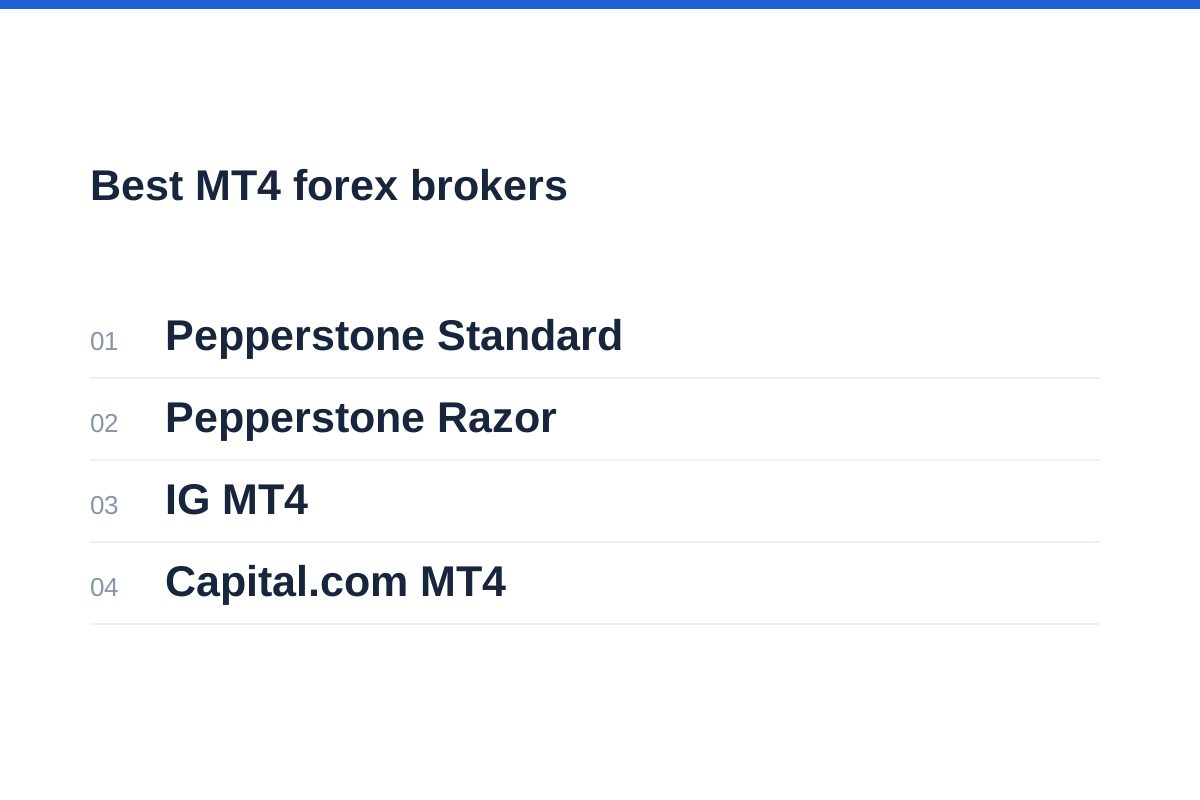
The four options below serve different account requirements: Pepperstone Standard, Pepperstone Razor, IG MT4 and Capital.com MT4. Standard and Razor are separate pricing choices at the same broker, not separate brands. All use MetaTrader 4; the meaningful differences lie in pricing, products, eligibility and broker-specific trading conditions.
Start with Standard if you want to assess spread-based FX CFD pricing, or Razor if you want to compare raw spreads plus explicit commission. IG merits consideration for eligible UK traders choosing between spread betting and CFDs on MT4. Capital.com provides instructions for creating live and demo MT4 accounts and specifies regional eligibility.
This is a comparison by use case, not a numbered performance ranking. Neither published platform features nor minimum spreads establish which broker will deliver the lowest costs or most suitable execution for your EA. Compare the conditions attached to your proposed account rather than the broker’s wider platform menu.
We have not made deposits, measured fills or tested withdrawals. Confirm product access and contractual terms with the entity accepting your application. CMC Markets is not included in the shortlist because its MT4 account conditions have not been established sufficiently for a useful comparison here.
Use the Pepperstone review for broader broker context, then verify the specific MT4 account offered during registration.
| MT4 account option | Reason to compare it | Main trade-off | Checks before opening |
|---|---|---|---|
| Pepperstone Standard | Spread-based FX CFD pricing without separate FX commission | A simpler charging structure does not necessarily mean lower costs | Entity eligibility, spreads, swaps and symbol settings |
| Pepperstone Razor | Raw spreads plus commission on FX and XAU/USD CFDs | Commission and rounding must be included in EA cost calculations | Commission currency, trade size and upfront charging |
| IG MT4 | UK choice of spread betting or CFDs, with EA support | Product structure and eligibility differ by jurisdiction | Contracting entity, product specifications and strategy terms |
| Capital.com MT4 | Live and demo CFD accounts with published setup instructions | Regional exclusions apply; the wider market list is not an MT4 instrument list | Country eligibility, MT4 credentials and available symbols |
Which MT4 account fits your workflow?
Pepperstone Standard is worth comparing if you want FX CFD dealing charges incorporated in the spread rather than a separate FX commission. Overnight funding still needs to be included. Pepperstone lists MT4 for both Standard and Razor accounts, so the pricing decision does not require abandoning an existing MQL4 workflow.
Pepperstone Razor is the alternative for traders willing to calculate raw spreads and commission together. Its raw-spread-plus-commission model applies to FX and XAU/USD CFDs, not automatically to every market. Pepperstone states that MT4 commission is calculated for both sides upfront and charged when the trade opens. Check how your EA records that charge, particularly when reviewing open-position profit and loss or trading small volumes subject to rounding.
IG’s UK MT4 page offers spread betting and CFDs, supports automation through expert advisers and describes how to add an MT4 account through My IG. This makes it a relevant comparison for eligible UK traders who need to choose a product structure as well as a broker. The page lists more than 50 FX pairs, but its minimum spreads are not representative-cost measurements. Cryptocurrency trading on IG’s UK MT4 offering is restricted to professional traders.
Capital.com’s dedicated MT4 page supports a more specific assessment than its general platform menu. It describes expert advisers, custom indicators, chart profiles and live or demo account creation. The page states that customers in countries served under its ASIC, CySEC, SCA, FCA and SCB licences can use live or demo CFD accounts on MT4, but excludes residents of France. These licence references do not mean every resident of those regions is eligible: confirm country availability and your actual contracting entity.
Capital.com also distinguishes MT4 credentials from its main app login: the password and server may differ. That matters when transferring an existing programme or diagnosing a connection failure. Its overall CFD market count should not be treated as the number of instruments available through your MT4 account. Obtain the account’s symbol list before adapting or deploying an EA.
MT4 is software supplied by MetaQuotes, not a broker or an account guarantee. Its MQL4 development tools, indicators and strategy tester can preserve an existing workflow, but familiar software does not standardise contracts, prices, server time or order handling. Use the same compatibility checklist for all four account options.
The Capital.com review provides a separate starting point for assessing the broker beyond its platform menu. Confirm your contracting entity before comparing account features.
Check the contract before the trading terminal
MT4 is an interface, not the legal counterparty holding your account. Read the application agreement for the company name, incorporation location, regulator and product classification. A familiar group brand can cover several entities with different permissions and consumer protections.
Retail leveraged currency trading may be structured as rolling spot FX or CFDs rather than deliverable spot currency. The FCA includes rolling spot FX within its retail CFD framework. Currency futures are exchange-traded contracts with different specifications; institutional forwards and swaps are different instruments again.
The FCA warns consumers to establish the actual contracting entity and consider protections lost when dealing overseas. Its retail CFD framework includes leverage restrictions, margin close-out requirements and negative balance protection. Do not assume those provisions apply to every account carrying the same broker name.
Read the loss warning and assess whether leveraged trading is appropriate before considering automation. An EA can submit orders consistently while still following a flawed strategy, misreading a symbol or accumulating exposure beyond your intended limit.
Follow the checks in how to check whether a forex broker is regulated and match the register entry to the legal entity, website domain and contact details in your agreement.
Check MQL4 compatibility beyond the file extension
For an existing EA, establish whether you possess editable MQL4 source code or only a compiled executable. Source access can make adapting symbol names and order handling easier. A compiled file may depend on its developer for fixes, licence changes or compatibility updates.
Do not treat MQL4 and MQL5 as interchangeable. Moving to MT5 can require code changes and testing rather than simply copying a file. Even between MT4 installations, an EA may depend on external libraries, account authorisation, file paths or a particular terminal environment.
Ask whether the programme hard-codes pair names, decimal precision, trading hours or contract sizes. A suffix on EUR/USD can stop symbol matching; a server-time difference can shift a session filter. These are configuration failures, not evidence that a strategy has stopped working economically.
For standard MT4 EAs, plan around a running desktop terminal or compatible hosted environment. Do not assume that installing a mobile app will host your automation. Test restarts, reconnects and duplicate-order prevention before relying on unattended operation.
Validate the programme before enabling orders
Identify source files, dependencies, licences and configurable symbol names.
Use the intended broker demo server and inspect its instrument settings.
Review terminal logs, rejected orders and position sizing.
Test disconnections, restarts and a controlled shutdown procedure.
Match the server and symbol specifications
An MT4 login requires the correct broker server as well as account credentials. Distinguish demo from live and confirm that the server corresponds to your account type. A valid password entered against the wrong server will not establish the intended connection.
Server settings also affect analysis. Chart timestamps, daily candle boundaries and session breaks can alter indicator inputs or time-based rules. Compare your EA’s assumed timezone with the terminal’s displayed server time, including seasonal clock changes.
Open each instrument’s specification rather than relying on its familiar name. Record contract size, tick size, tick value, minimum volume, volume step, trading sessions and financing terms. Check stop-distance restrictions when placing or modifying orders.
The best mt4 forex brokers for an existing programme are therefore not necessarily those with the longest market list. What matters is whether the exact symbols and order conditions match the programme’s assumptions, or can be adapted without changing its intended risk.
Use the pip value calculator to cross-check exposure, entering the correct pair, trade size and account currency rather than assuming every instrument shares one pip value.
| Setting | Potential mismatch | Practical check |
|---|---|---|
| Symbol name | EA searches for an unavailable ticker | Map prefixes and suffixes explicitly |
| Point and tick size | Stops or slippage settings use the wrong units | Convert points, pips and price increments separately |
| Contract size and volume step | Calculated exposure differs from submitted exposure | Recalculate and round volume down appropriately |
| Server time and sessions | EA enters outside its intended window | Compare timestamps and session boundaries |
| Stops and modification limits | Orders or trailing stops are rejected | Inspect specifications and terminal error logs |
| Swap and rollover | Holding costs differ from the test assumptions | Check direction, calculation basis and charging schedule |
Compare costs using the same trading assumptions
A useful MT4 broker comparison separates spread, commission, financing, currency conversion and execution effects. Compare the same currency pair, position size and holding period. Minimum advertised spreads cannot establish typical costs, particularly around rollover or market-moving announcements.
For Pepperstone Standard and Razor, compare the spread-based FX charge with the raw spread plus the applicable round-trip commission. Use the commission schedule for your account currency and intended volume. Razor’s upfront MT4 commission booking can affect the timing of reported charges, but it does not remove the need to account for both sides of the trade.
IG publishes minimum MT4 spreads on its UK page and says those minimums are the same for spread betting and CFDs. That does not make the products identical: inspect their respective sizing, margin and financing specifications. Capital.com’s fees page lists no trading commission, dynamic spreads and applicable overnight and conversion charges. Confirm the schedule for your entity and do not assume every feature or charge shown for the wider platform applies unchanged to MT4.
For a cost worksheet, multiply the spread in pips by the position’s pip value in your account currency, then add round-trip commission and applicable financing. Use consistent units and avoid counting commission twice if an account statement already combines both sides. Where opening and closing spreads differ, a single quoted spread is only an approximation of the completed trade’s spread cost.
Overnight positions require another calculation. Read how swaps are expressed, when they are booked and whether conversion applies. Financing may be a debit or credit depending on the instrument, direction and applicable rates. An intraday comparison cannot establish which account is preferable for a multi-day strategy, and a backtest with fixed costs may conceal that difference.
Repeat the calculation with the spread cost calculator using your intended trade size. Add commission separately unless it is explicitly included in the displayed result.
Combine costs in one account currency
Use the proposed account’s specifications and observed spreads, not minimum-spread advertising alone.
Get EA restrictions in writing and rehearse failures
Platform support does not establish permission for every automated strategy. Ask the broker about your actual method: short holding periods, news trading, hedging, frequent modifications or latency-sensitive orders. Request the relevant agreement clauses rather than relying on a general statement that EAs are allowed.
Check operational limits too, including maximum order counts, request frequency and procedures for disputed trades. General descriptions of automated trading do not settle these strategy-specific conditions. Ask support to identify the agreement clauses, entity and account type to which its answer applies.
Use an MT4 demo account to check functionality, not to certify future live execution. IG explicitly offers an MT4 demo and warns that its demo environment differs from live trading, including in slippage and order rejection. Capital.com confirms eligible live and demo CFD accounts can connect to MT4, while warning that demo execution and liquidity may differ from live conditions. Record requests, fills, rejections and restart behaviour; neither historical tests nor demo results establish future profitability.
Before funding, save a configuration record and define shutdown conditions: unexpected position size, repeated rejections, lost connectivity or a breached loss limit. Choose only after these checks, rather than letting a polished terminal decide the account.
Our guide to demo versus live trading accounts explains why a successful rehearsal is useful evidence of functionality, but not proof of comparable live outcomes.
Frequently asked questions
Which MT4 broker should I investigate first?
Choose by account requirements rather than a universal ranking. Compare Pepperstone Standard and Razor for different FX CFD pricing structures, IG for eligible UK MT4 spread betting or CFDs, and Capital.com for eligible live and demo CFD accounts. Then check total costs, symbols, server settings and written terms for your strategy.
Can I move an EA between MT4 brokers?
Often, but not necessarily unchanged. Check licensing, symbol suffixes, contract sizes, volume increments, server time and order restrictions. Keep a backup of the original configuration and test the destination account before enabling automated orders.
Does a raw-spread account always cost less?
No. Add both sides of commission, any minimum charges and financing to the spread cost. Compare equivalent trades over a representative period. Neither a minimum spread nor the raw-spread label establishes the lowest overall cost.
Can MT4 mobile run my desktop expert adviser?
Do not plan on the mobile app hosting a desktop EA. Use a suitable running desktop or hosted terminal for standard MT4 automation, and verify the setup. Mobile monitoring does not replace checks that the automated terminal remains connected and operating correctly.
Does an MT4 backtest show that a strategy will work live?
No. Results depend on historical data, modelling assumptions, costs and programme logic. Overfitting can produce attractive historical results that do not persist. Forward testing can expose operational problems, but neither backtests nor demo trading predict future returns.