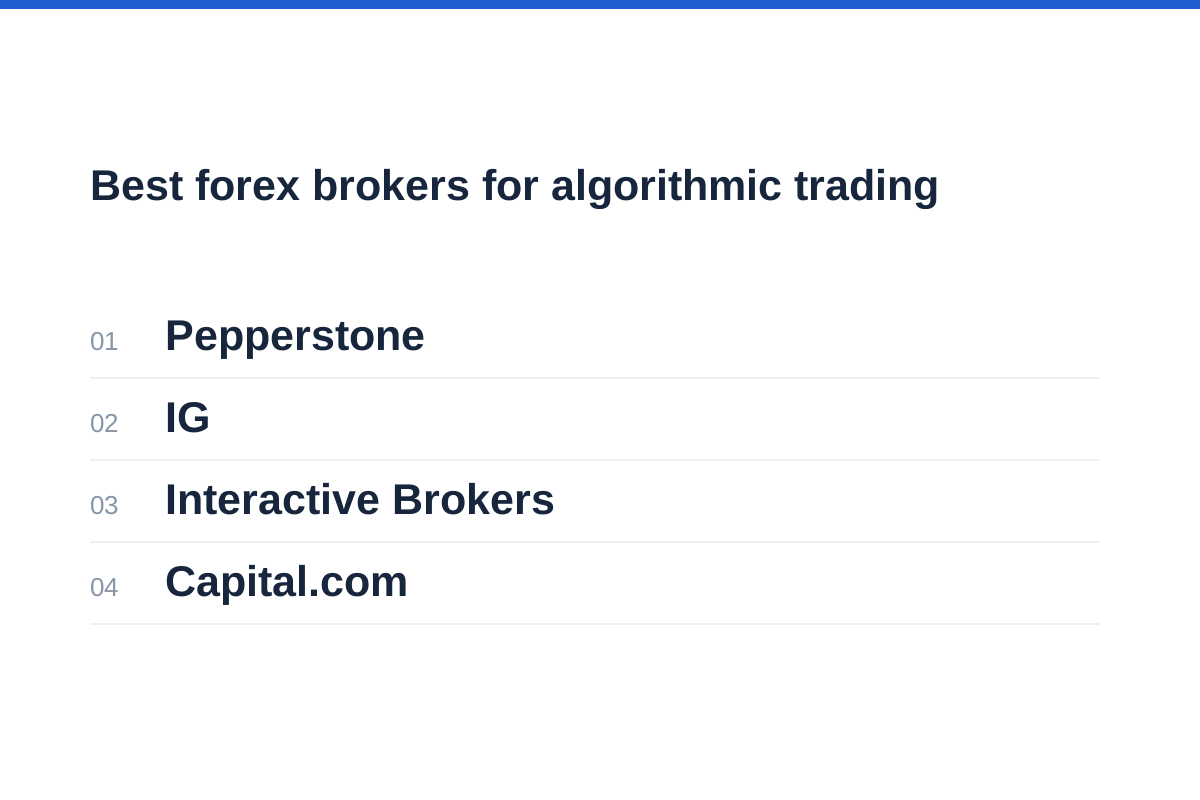
In briefA shortlist of the best forex brokers for algorithmic trading needs to distinguish an Expert Advisor account from an API-based execution workflow. Choose an algorithmic forex broker around the software that submits your orders. Pepperstone offers MT4, MT5 and cTrader on Standard and Razor accounts; IG combines MetaTrader automation, ProRealTime and an API offering. Interactive Brokers supports custom API workflows across asset classes, while Capital.com explicitly supports MetaTrader Expert Advisors. The right fit depends on your jurisdiction, strategy permissions, complete costs and ability to recover safely after a failure. Automation does not remove trading risk.
Best forex brokers for algorithmic trading: the shortlist
These four brokers suit different automation workflows; their order is not a performance ranking. The comparison focuses on platform compatibility, account structure and operational controls, not measured execution quality, returns or lowest costs. We have not conducted live-account deposit, trading or withdrawal tests.
Pepperstone suits traders comparing MetaTrader with cTrader on Standard and Razor accounts. IG offers MetaTrader automation, ProRealTime and APIs. Interactive Brokers offers APIs for custom models and multi-asset systems. Capital.com supports Expert Advisors through MT4 and MT5, subject to regional and account eligibility. Start with the route your software requires rather than treating one broker as a universal winner.
These are not interchangeable products. The Pepperstone and Capital.com accounts discussed here are CFD accounts. IG’s international platform offering concerns CFDs; its UK MT4 page also offers spread betting. Interactive Brokers lists forex and futures among separate asset classes. Deliverable spot FX, rolling spot FX, currency CFDs and exchange-traded currency futures have different settlement, financing and permission requirements.
| Broker and workflow | Relevant features | Main deployment check |
|---|---|---|
| Pepperstone — terminal-based strategies | MT4, MT5 and cTrader available on Standard and Razor CFD accounts | Platform compatibility, strategy permissions and account-specific costs |
| IG — specialist platforms or APIs | MT4 and MT5 automation, ProRealTime and an API offering | Entity-specific access, supported instruments and separate API limits |
| Interactive Brokers — custom multi-asset systems | REST, Python, FIX and native API routes advertised for automated workflows | Interface eligibility, FX permissions, data entitlements and paper/live differences |
| Capital.com — MetaTrader EAs | MT4 Expert Advisors and MT5 trading robots; live and demo availability subject to eligibility | Regional access, account type, strategy restrictions and correct terminal credentials |
Choose an EA or API architecture before choosing an account
An Expert Advisor, or EA, runs trading logic within a compatible MetaTrader environment. MT5 provides MQL5 development tools, a Strategy Tester and an execution platform for trading robots. That integrated workflow can reduce the number of components you maintain, although you still own the strategy’s behaviour and deployment.
A custom API application separates your strategy from the broker’s trading interface. That offers architectural flexibility, but your software must manage authentication, order state, disconnections, market-data subscriptions and reconciliation. Having an API does not mean every order type or instrument is available through it.
An MT4 robot is not automatically an MT5 robot: confirm code compatibility rather than relying on the MetaTrader name. Likewise, a mobile application for monitoring positions is not proof that the phone hosts your EA. Establish exactly which machine or hosted service executes the code.
Choose the simplest architecture that supports the strategy. A slow, single-pair system rarely needs the operational complexity of a multi-broker application. Technical indicators can express consistent rules, but neither automation nor technical analysis predicts outcomes.
Follow the order from signal to reconciliation
EA generates a signal, the compatible terminal submits the order, and the robot checks broker confirmations.
Your application generates a signal, authenticates and submits it, then processes broker responses and execution updates.
Compare intended exposure with broker positions; stop new orders when the records disagree.
Pepperstone and Capital.com: investigate the terminal route
Pepperstone is an option for traders who want to compare retail trading terminals without changing broker. Both Standard and Razor CFD accounts offer MT4, MT5 and cTrader. Choose around the code you already maintain: MetaTrader EAs and cTrader strategies are not interchangeable merely because both automate orders. Confirm the compatible runtime, account configuration and contractual strategy restrictions before moving a robot.
Its principal trade-off is pricing and implementation detail. Standard uses spread-based pricing for FX, while Razor uses raw spreads plus commission. Compare the complete trading cycle for your account currency and trade size rather than assuming that a lower displayed spread means a lower total cost.
Use our Pepperstone review for broader account context, then obtain confirmation of EA permissions, order-frequency restrictions and the precise platform server before deployment.
Capital.com explicitly supports automated strategies through MT4 Expert Advisors and MT5 trading robots. Its MT4 page says eligible live and demo CFD accounts under its ASIC, CySEC, SCA, FCA and SCB licences can use the integration, but excludes residents of France. MT5 live and demo availability depends on region and account type. Our Capital.com review provides broader account context. Check country eligibility first: Capital.com excludes a range of countries and territories and does not serve US citizens, regardless of residence. Then confirm the intended platform version, credentials and strategy restrictions.
IG and Interactive Brokers: investigate custom workflows
IG offers several distinct automation routes. Its UK MT4 service explicitly supports algorithms and Expert Advisors for CFDs and spread betting. Its international MT5 page also describes EAs, while ProRealTime offers automated strategy features. API access is a separate implementation decision: confirm the contracting entity, instruments, authentication and request limits rather than assuming the same access as a MetaTrader account.
Interactive Brokers advertises REST, Python, FIX and native API routes for automated strategies and proprietary workflows. That makes it relevant to traders maintaining their own application rather than an EA. These are not interchangeable interfaces or a promise that every route is available to every account. Identify the appropriate connection and its eligibility requirements before committing development work.
For Interactive Brokers, identify whether the strategy needs currency conversion, leveraged FX exposure or currency futures. These are different requirements. Check instrument permissions, market-data entitlements, position accounting and connection behaviour. TWS provides portfolio monitoring and built-in execution algorithms, but a broker-supplied execution algorithm is not the same as hosting your own signal-generating strategy.
Our IG review can help frame the account comparison. Request the developer documentation for your contracting entity and distinguish trading access from historical-data or streaming-data access.
Our Interactive Brokers review offers broader account context. For a custom integration, work from the documentation for the chosen API and test authentication, order identifiers, execution updates and reconnection. Do not assume that behaviour observed in TWS proves how an independent application will behave.
Verify permissions, legal entity and operating limits
Ask for written answers tied to the exact account and strategy. “Algorithms allowed” is too broad: a broker may distinguish ordinary EAs, rapid order amendments, latency-sensitive strategies and third-party account access. Describe expected order frequency and holding periods without disclosing proprietary code.
Request separate limits for market-data streams, historical downloads, order submissions and cancellations. Ask whether limits apply per account, session, connection or credential, and check the documentation for the specific interface. Do not transfer a limit from one broker or API to another. Establish how throttling is reported, when capacity resets and whether risk-reducing requests receive different treatment.
For credentials, use the minimum permissions available. Keep secrets outside source code, separate demo and live credentials, and establish how to revoke access. Where supported, restrict network access and avoid granting withdrawal permissions to trading software.
Before connecting software, check the broker’s regulatory status and match the register entry to the entity in the account agreement. A familiar brand name does not establish which jurisdiction’s protections apply.
| Ask the broker | Why the answer matters | Deployment response |
|---|---|---|
| Which automation methods and strategies are permitted? | Platform access does not establish contractual permission | Retain written confirmation and applicable terms |
| What happens after a timeout or disconnect? | An unacknowledged order may already exist | Query order state before resubmitting |
| Which rate limits and reset rules apply? | Retries can worsen throttling | Queue requests and use bounded back-off |
| What are the position-accounting rules? | Netting and hedging alter strategy state | Test opposing trades and partial closes |
Model the full round trip, not the headline spread
The best forex brokers for algorithmic trading must fit the strategy’s cost budget as well as its code. Include spreads, both sides of commission, slippage, financing where applicable, currency conversion, data subscriptions and hosting. Cost assumptions should reflect trading hours and position duration.
Build the model in account currency for the actual instrument and position size. Multiply the representative spread in pips by the position’s pip value, then add entry and exit commission and an allowance for combined adverse slippage. If entry and exit spreads differ, use their average for a round trip measured against mid-prices. Avoid counting both the full spread and the same bid–ask difference again as slippage.
Use the broker’s applicable commission schedule and executable quotes, not minimum-spread advertising, for the initial inputs. Keep financing, conversion and allocated infrastructure costs separate so you can see which assumptions drive the result. Recalculate for wider spreads, less favourable fills and longer holding periods. Multiply by expected trading activity only as a planning estimate: actual costs and trade counts will vary.
Use the spread-cost calculator to translate spread assumptions into cash, then add commission and other charges rather than treating the spread as the complete cost.
Separately, the position-size calculator helps turn a defined risk budget and stop distance into a proposed size. Stops can slip, so the calculated amount is not a guaranteed maximum loss.
Add costs in the same account currency
Add applicable financing, currency conversion and allocated infrastructure costs to estimate the complete cost.
Test failure handling and install a real kill switch
Backtesting checks behaviour against historical inputs; paper trading checks an implementation in a simulated environment. Neither establishes live execution quality. IG offers a separate MT4 demo alongside its web-platform demo. Its demo guidance says simulated trades do not experience slippage and are not rejected on size or price grounds, unlike live trades. Capital.com likewise warns that demo execution and liquidity may differ from live conditions. Use the demo for your intended terminal or interface where available, test unseen periods and realistic costs, and inspect whether results depend on a few exceptional trades.
A kill switch must do more than close the strategy window. Define separately whether it blocks new entries, cancels working orders or attempts to flatten positions. Cancellation and closing requests can fail, so verify the resulting broker state and escalate unresolved exposure.
Monitor stale prices, repeated rejections, unexpected exposure, missing execution updates and connection loss. After reconnection, reconcile orders and positions before enabling new trading. A VPS can reduce dependence on your home computer, but it introduces its own outages, updates and credential risks.
Our guide to demo versus live accounts explains why simulated fills cannot validate live liquidity. Progress only with capital you can afford to lose, and keep a manual route for checking and managing the account.
Prove order-state handlingSimulate timeouts, rejected orders and restarts; ensure retries cannot create unintended duplicate exposure.
Rehearse shutdownTrigger the kill switch deliberately and verify orders, positions, alerts and the process for authorising a restart.
Review exceptionsKeep timestamped logs of signals, requests, responses and fills; investigate discrepancies before increasing activity.
Algorithmic forex broker FAQs
Which broker should an existing EA user investigate first?
Start with the broker that supports your EA’s precise platform version and account requirements. Pepperstone offers MT4 and MT5 on Standard and Razor accounts; IG and Capital.com also explicitly support MetaTrader automation. Confirm regional eligibility, position accounting and strategy restrictions, then test the intended terminal and account configuration.
Does API access mean unlimited order requests?
No. Establish the limits for orders, cancellations, subscriptions and historical data separately. Build throttling and back-off into the application, and reserve capacity for risk-reducing actions rather than letting routine data requests exhaust available capacity.
Can I leave a trading robot completely unattended?
Unattended execution still requires supervision arrangements. Set alerts, exposure limits and a restart policy, with someone able to respond. A robot can continue following faulty logic consistently; removing manual order entry does not remove operational responsibility.
Are UK retail CFD protections universal?
No. The FCA’s retail CFD framework includes rolling spot FX and provides protections such as negative balance protection, but these should not be assumed for overseas entities or other products. The CFTC separately warns that forex margin trading can produce losses beyond deposited funds.
What should decide between two compatible brokers?
Compare entity-specific permissions, complete costs, order-state documentation, support escalation and recoverability after failure. Prefer the workflow you can explain, monitor and stop reliably. A longer feature list matters less than confirmed support for the controls your strategy actually needs.